JAPOW VANS
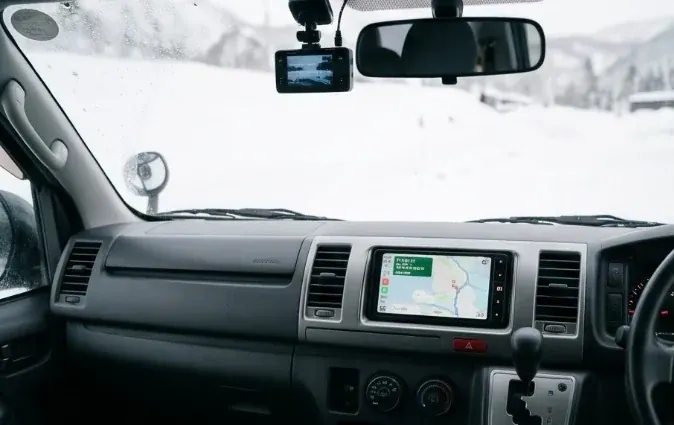
Japan has excellent, detailed mapping data, but the most popular local driving apps — Yahoo! Car Navi and NAVITIME — are built primarily in Japanese, with more detailed route and traffic data than most international visitors will get full value from without reading the language. For an English-speaking visitor, the practical choice is narrower than it looks.
Google Maps: the default choice for most visitors
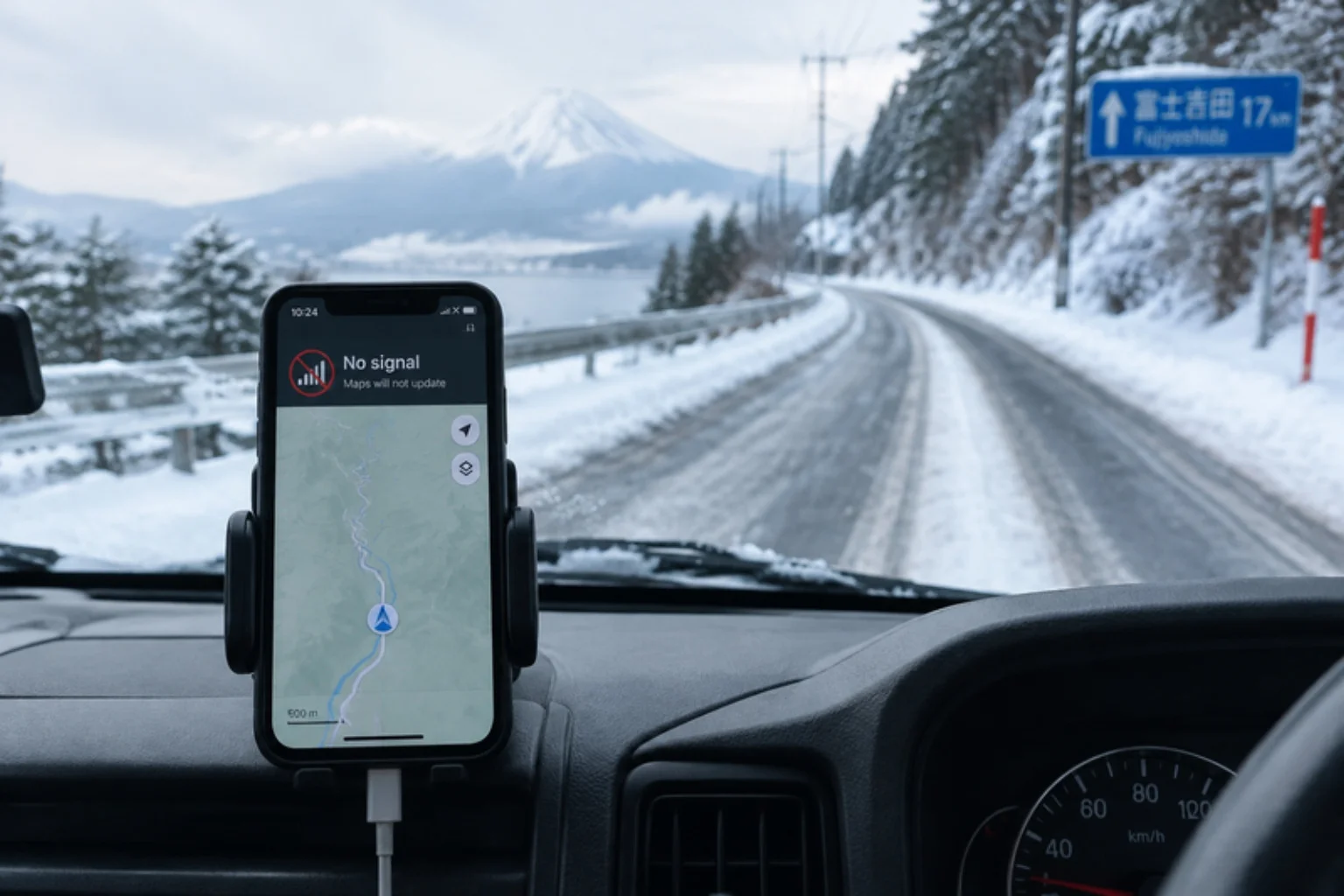
Google Maps is the most straightforward option for English-speaking drivers in Japan. It has an English interface, accurate turn-by-turn driving directions on expressways and local roads, live traffic conditions, and the ability to download an area for offline use before you lose signal — worth doing before any mountain-pass drive. Search works well in English for major landmarks, convenience stores, and most addresses once you've found the general area.
NAVITIME: stronger for complex, multi-stop routing
NAVITIME is a Japan-based mapping company with both a general consumer app and a dedicated car-navigation product. Its English-language tourist-facing app ("Japan Travel by NAVITIME") is built around transit and sightseeing rather than driving, and its full car-navigation features — toll-fare calculation by route, detailed lane guidance, and offline voice navigation — are mainly available through its Japanese-language car app. If you're comfortable navigating a Japanese-language interface or are driving with someone who can, NAVITIME's toll and route-timing data is generally considered more detailed than Google Maps for complex Japanese road networks.
Yahoo! Car Navi: a free, Japan-only option
Yahoo! Car Navi (Yahoo!カーナビ) is a free, Japanese-language-only navigation app widely used by Japanese drivers, with detailed live traffic and speed-camera alerts. Because there's no English interface, it's generally not a practical first choice for visitors who don't read Japanese, though it's worth knowing it exists if a Japanese-speaking companion is navigating.
Our recommendation: use Google Maps as your primary navigation app for an English-language self-drive trip, and download your route areas for offline use before you leave cell coverage. See our offline maps guide for how to do this properly before a mountain drive.
A few practical tips either way
- Set your destination as a landmark or named facility rather than a raw address when possible — Japanese addressing is area-based, and apps handle named places more reliably.
- Double-check your arrival point matches the actual resort or hotel entrance, not just the nearest road point, especially for rural ski-area addresses.
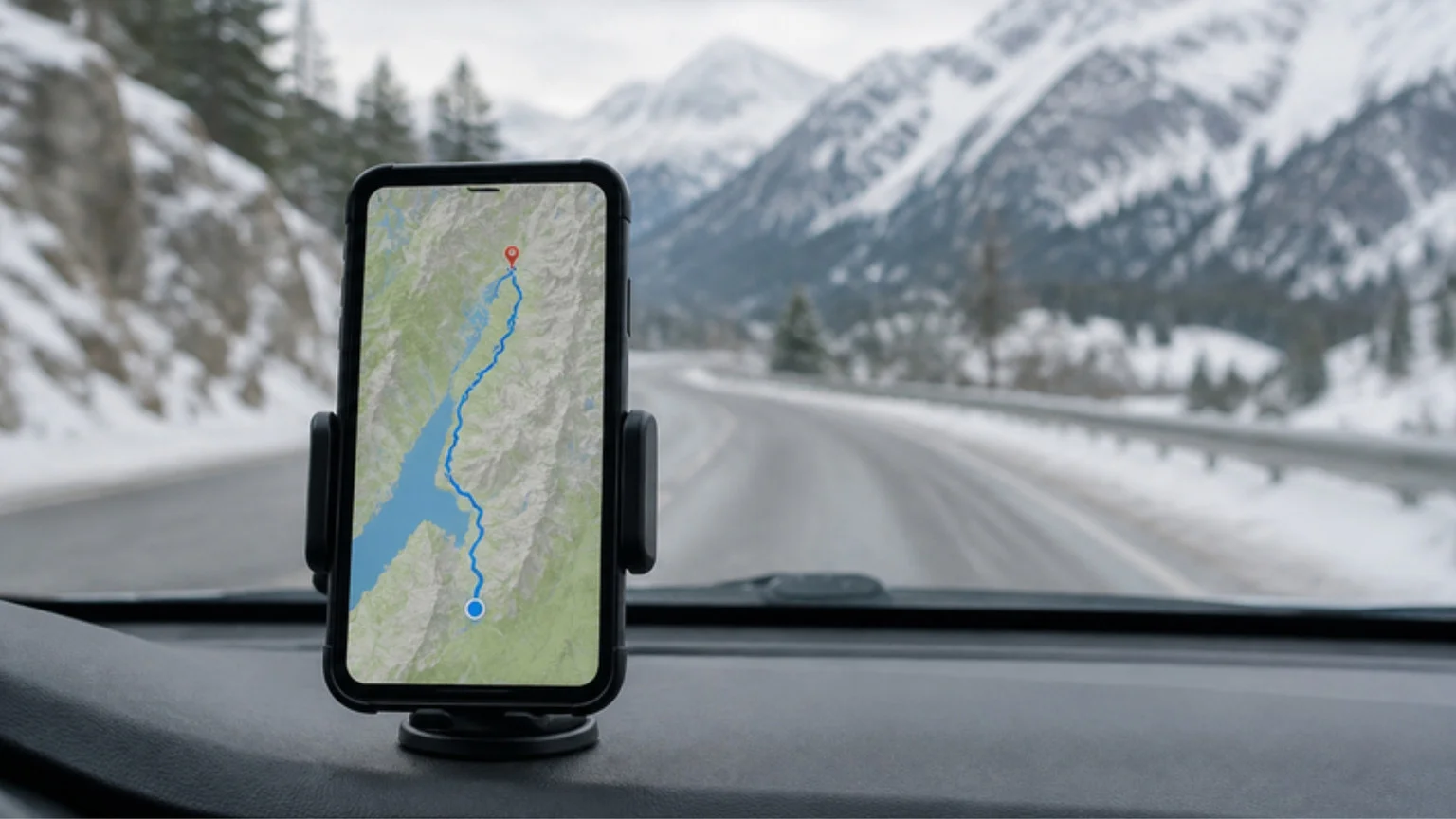
- Keep your phone charged and mounted; a loaded van means less room to be fumbling with a handheld phone at a junction.
App features and language support can change with updates. Confirm current feature availability directly from each app's official store listing before you travel.